
Anleitung
Die wichtigsten Funktionen
Sie möchten sehen wie Ihr Bodenbelag in einem Raum wirkt? Wir zeigen Ihnen wie es geht.

No. 01
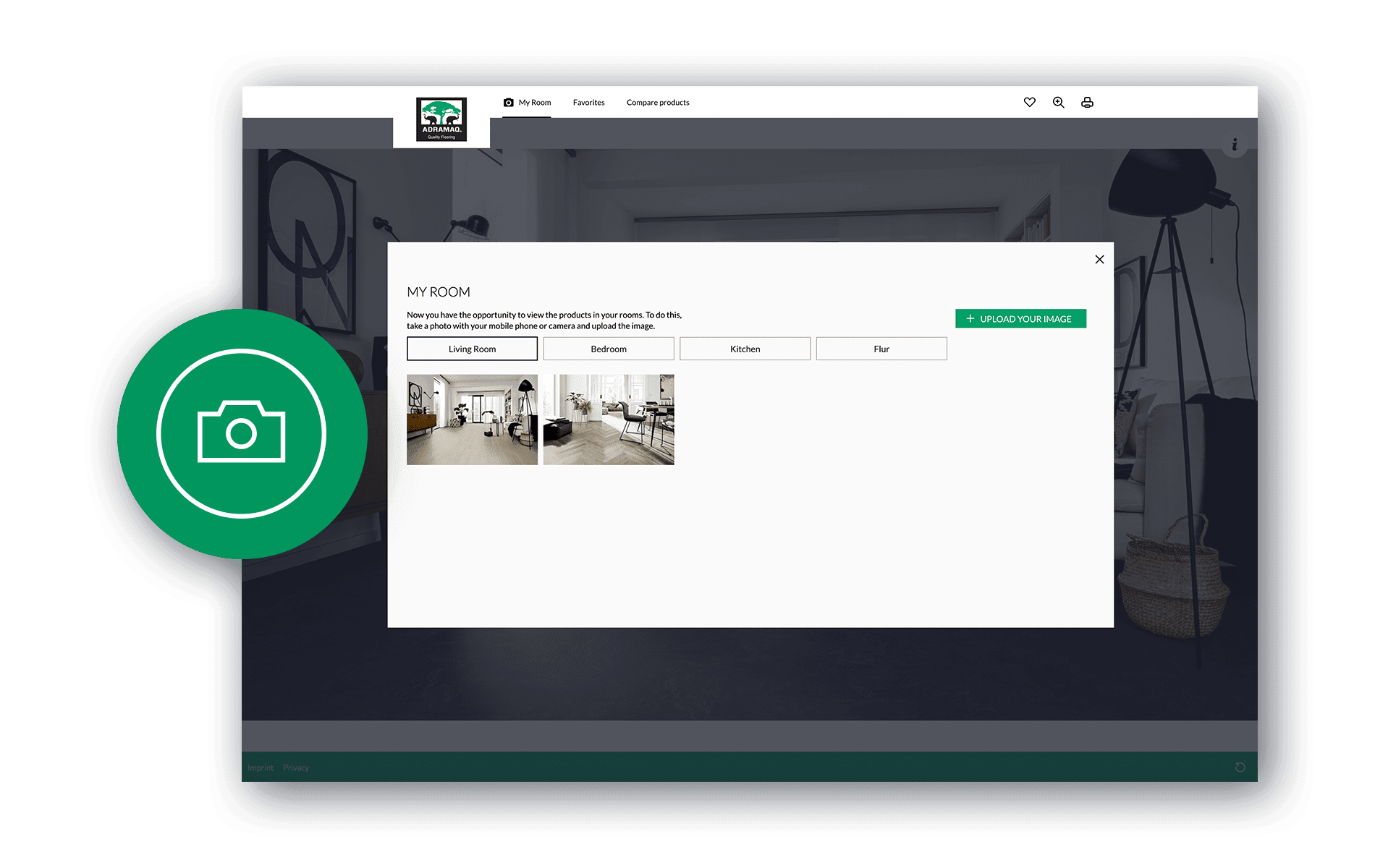
Raumsituation bestimmen
Sie haben die Möglichkeit zwischen zwei Optionen zu wählen. Für Ihren eigenen Raum können Sie mittels Ihres Smartphones oder Tablets ein Foto Ihres Raumes machen oder aber ein bereits in Ihrer Mediathek gespeichertes Bild verwenden. Sollten Sie beides gerade nicht zu Hand haben, ist das überhaupt kein Hindernis. Wählen Sie einfach eines unserer vorgefertigten Raumszenarien aus den verschiedenen Bereichen aus.
No. 02
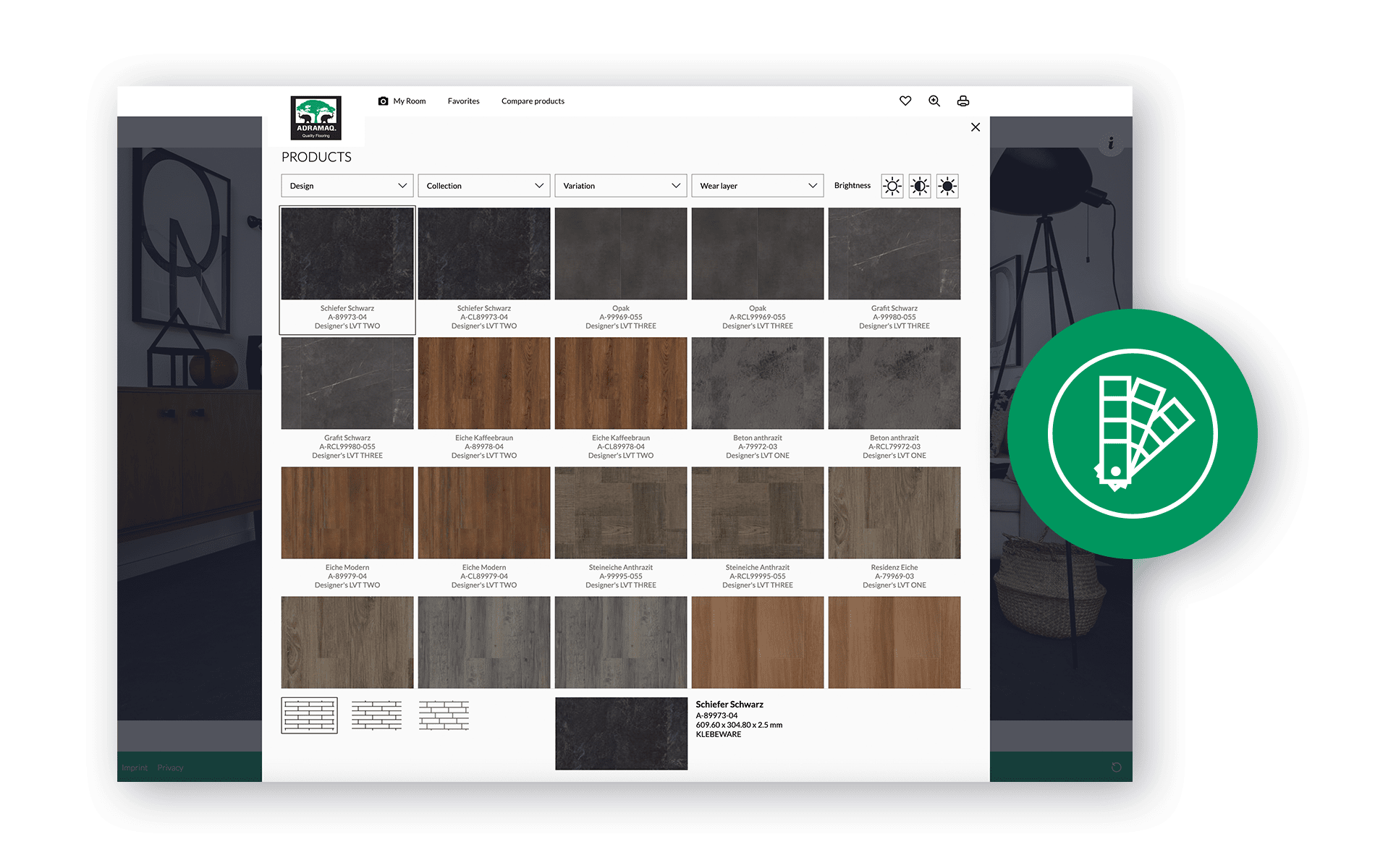
Wunschprodukt auswählen
Haben Sie Ihren Raum gewählt können Sie im Bild mit dem Button „Boden wählen“ auf unser facettenreiches Sortiment aus Holz- und Steindekoren zugreifen. Die Miniaturansicht gibt Ihnen bereits einen ersten Eindruck. Durch Schließen des Fensters wird er gewählte Artikel in Ihr Raumbild übertragen.
No. 03
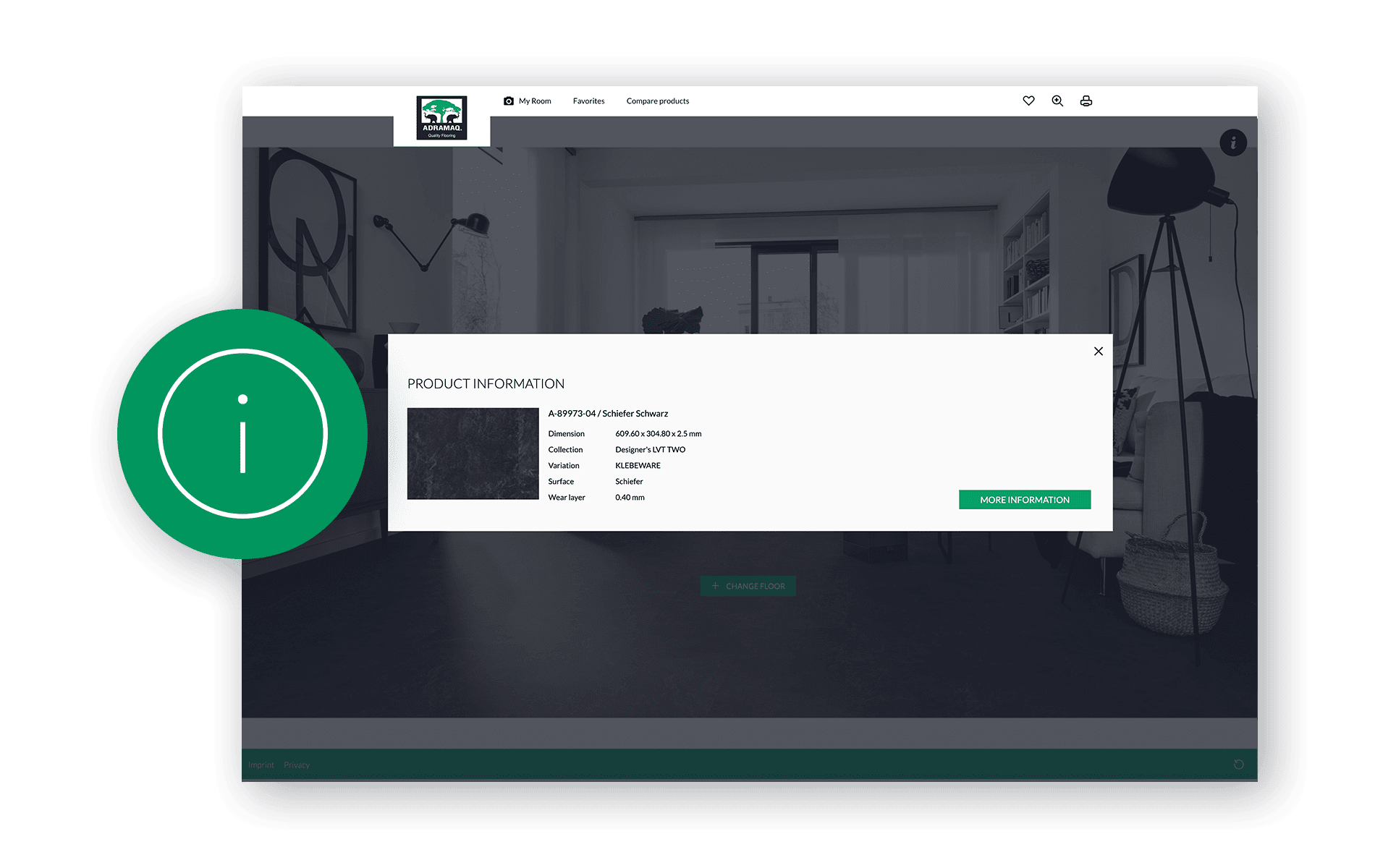
Show product information
If you require further information, please use the Info button. For more detailed, perhaps also technical information, click on "more information" to access the product details page of Adramaq.
Further functionalities

Favourites
You can add your " favourite articles " to your favourites at any time, so that you can retrieve them at a later date.
Product comparison
The product comparison offers you the exciting option of comparing two items in the same room. This will certainly make your decision easier. Use the letters A/B to select the respective side of the image in which you would like to change and compare the product.

Laying direction
This function can be used to influence the direction in which the selected article is laid. This can change the overall impression of the floor covering in the room. Define the ideal laying direction according to your personal taste.
Samples
Have you shortlisted one or more articles? Then we will be happy to send you sample planks of your desired article. To do so, go to "further information" of the article. Under the extended information, you have the option of ordering the desired sample planks free of charge.

Detailed view
You can also view your desired decor in a larger format within the room. Use the small window to navigate to the desired spot you want to focus.

Here you can print the page and your room picture. Should you require further advice, simply bring your ideas and wishes to our specialist trade partner.
Plan a room
Explore our design floor LVT planner now and design your room individually. Let's go.
Start design floor LVT planner